


Prepare and print all the covers you need
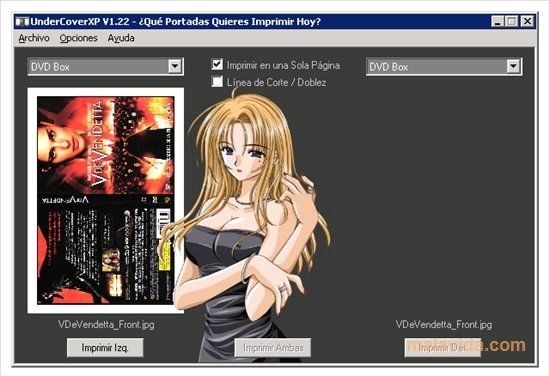
When we download or rip a CD, DVD or Blu-Ray disc, and we want to store it in a box with its corresponding covers, we always come across the same problem: how difficult it is to guess the printing size. But, here's the solution, UnderCoverXP, so we always get the printing size right when we print a downloaded or scanned cover.
Create covers for your CDs and DVDs
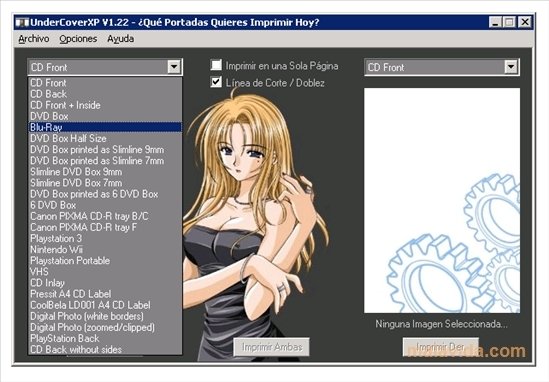
This simple free application does the difficult task of fitting the covers we want to the box we are going to use to store the disc. All we have to do is find the image we want and select the correct format from all the options it offers us.
Forget about the problems you have when printing your favorite disc covers.
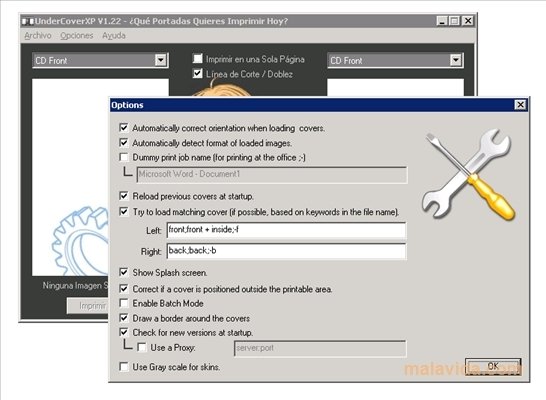
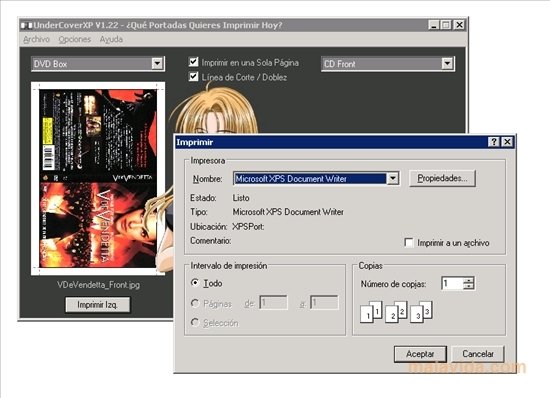
The program accepts images in BMP, GIF, JPG and PNG format, allows us to mark the cutting/folding line and print both sides of a cover on one page. The type of boxes that are compatible with UnderCoverXP are: CD, DVD, DVD Slim, Nintendo Wii, PSP, PlayStation 3, VHS, Canon Pixma CD, DVD Box and Blu-Ray.
Requirements and additional information:
- This download requires a ZIP compatible compressor.
 Antony Peel
A Telecommunications Engineer, chance led me to the translation industry, where after a few years, I discovered another side of the world of technology while translating what others were writing about mobile applications and software. That...